What Devices Are Allowed for the SAT?

The SAT may be digital now, but that does not mean you can take it on any device you have handy.
The digital SAT is administered through College Board’s Bluebook testing app, and College Board has specific rules about which computers and tablets can run it. There are also separate rules covering phones, watches, headphones, calculators, and other electronics you might normally carry.
Knowing those rules before test day can save you from an avoidable technical problem or, worse, bringing something into the testing room that is prohibited.
What Devices Can You Use to Take the SAT?
For a typical SAT Weekend administration, you can take the SAT on a compatible Windows laptop or tablet, a Mac laptop, an iPad, or a school-managed Chromebook.
There are a couple of important exceptions. You cannot take the SAT on a mobile phone, even if the phone can run other testing or educational apps. You also cannot use a personal Chromebook. Chromebooks must be managed by a school and configured to meet College Board’s requirements.
Your device also needs to meet the current technical specifications for Bluebook. That includes a supported operating system, sufficient storage, Wi-Fi capability, and enough battery life to get through the test.
Because those technical requirements can change, check the College Board-approved device requirements before your test rather than assuming that a computer you used for an earlier SAT or practice session will still qualify.
Students should also download Bluebook and test their device well ahead of time. The College Board recommends beginning the device preparation process at least 30 days before test day.
If you are still getting familiar with digital testing, Prep Expert®’s guide to how the Digital SAT is structured can also help you understand what the actual testing experience will look like once you open Bluebook.
What Accessories Are Allowed?
Some computer accessories are permitted, but the rules depend on what device you are using.
An external mouse is allowed. If you are taking the SAT on a tablet, you may also use an external keyboard. External keyboards, however, are not permitted with laptops or Chromebooks.
You can bring a power cord or portable charger as well. Just remember that access to an electrical outlet is not guaranteed, so your device should arrive with enough charge to make it through the test.
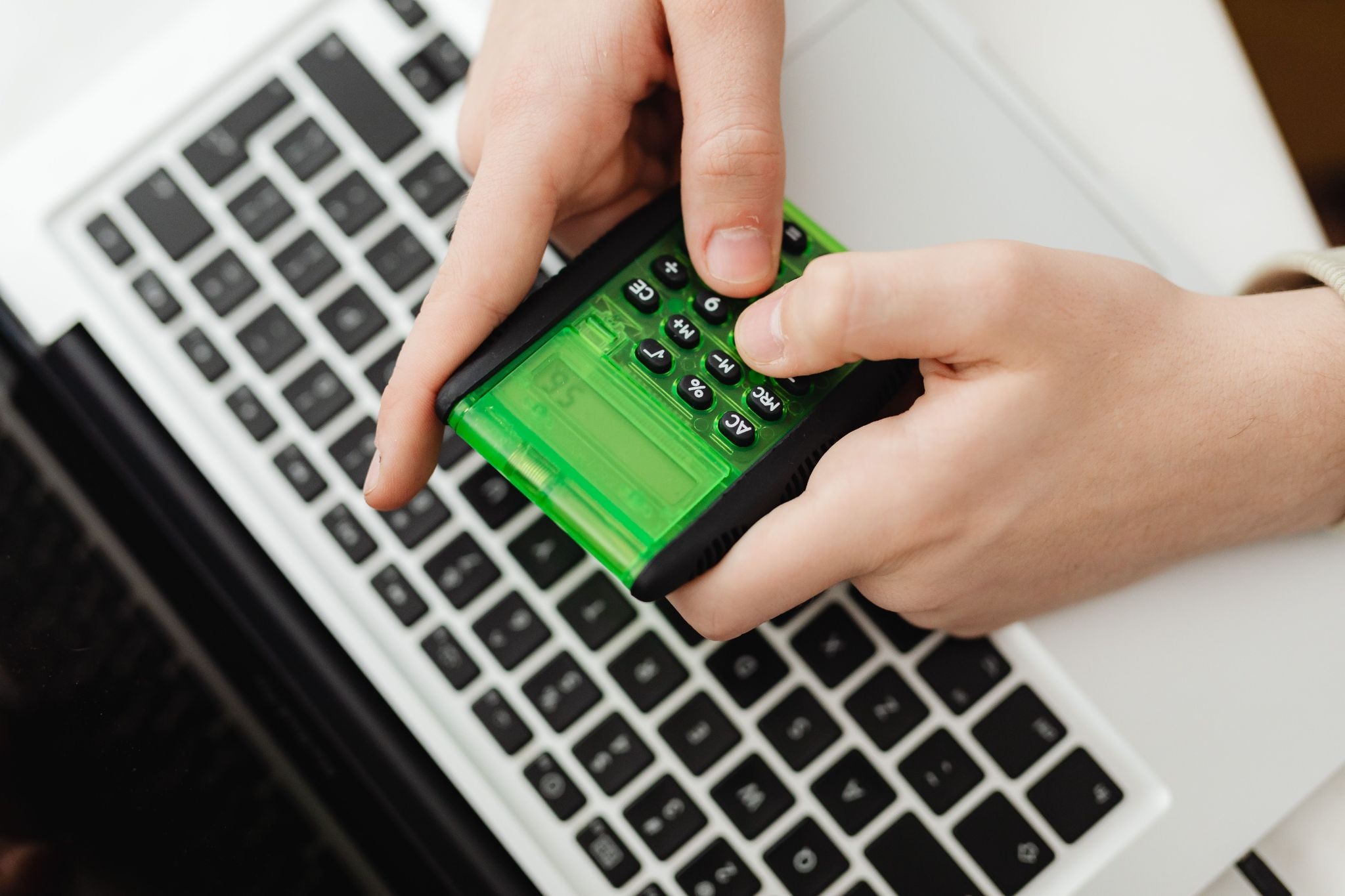
Students can also bring an approved calculator. Bluebook already includes a built-in Desmos graphing calculator, so bringing a separate calculator is optional. If you prefer a physical calculator, make sure yours complies with the current SAT calculator policy before test day.
A basic analog or non-smart digital watch is generally acceptable, provided it does not make noise or have an audible alarm.
Which Devices Are Prohibited on the SAT?
College Board’s prohibited-device rules extend far beyond phones.
Phones, smartwatches, fitness trackers, smart glasses, and other wearable technology are prohibited. So are cameras, recording devices, audio players, and Bluetooth devices such as wireless headphones or earbuds.
Headphones and earplugs are also prohibited unless they are being used as part of an approved testing accommodation.
Electronic writing tools are another easy item to overlook. Styluses, Apple Pencils, iPad pencils, smart pens, and similar electronic writing instruments are not allowed. If you are taking the SAT on a touchscreen device, plan to navigate Bluebook without them.
Separate timers are prohibited as well. Fortunately, Bluebook includes its own testing timer, so you can still keep track of how much time remains.
Other prohibited technology includes detachable privacy screens and unauthorized external keyboards. Students also cannot use a second monitor or access other apps, websites, messaging services, or AI tools while taking the test.
These restrictions continue during breaks. Do not assume that finishing a module means you can check your phone. Test center staff may collect prohibited electronics or require you to store them away from your desk for the entire administration.
The College Board warns that accessing a prohibited electronic device, or even having one make noise during testing, can result in dismissal and score cancellation.
What If You Do Not Have an Approved Device?
Not having your own laptop does not automatically prevent you from taking the SAT.
For SAT Weekend, students who cannot obtain an approved device may request one from College Board. The request needs to be made at least 30 days before test day, so this is not something to leave until the night before the exam.
If you are taking the SAT through your school, your school may provide a testing device or give you separate instructions about what you need to bring.
Whatever device you plan to use, practice on it before the real test. Becoming comfortable with Bluebook, its built-in tools, and the digital testing format is part of effective Digital SAT preparation. Test day is a bad time to discover that your device does not meet the requirements or that you have never used the calculator, timer, or navigation tools before.
The digital SAT requires a little more technology preparation than the old paper test, but the rules are straightforward once you know them. Use an approved Bluebook device, prepare it early, and leave unnecessary electronics at home whenever possible.
Written by Dr. Shaan Patel MD MBA
Prep Expert Founder & CEO
Shark Tank Winner, Perfect SAT Scorer, Dermatologist, & #1 Bestselling AuthorMore from Dr. Shaan Patel MD MBA


Group Class vs. 1-on-1 Tutoring: Which Fit Is Right for Your Kid?
Once a family has decided that test prep is worth investing in, the next question is which format to choose.…

The Parent’s Role: Coach, Manager, or Bystander?
You paid for the prep course. You cleared Saturday morning for a practice test. Now your teenager has missed an…
Is Test Prep Worth the Money? The Cost Most Families Never Check
DISCLOSURE: This article is written by the founder of Prep Expert, a test prep company, and discusses what families should…